1️⃣ Create Your Account
Follow these steps to create your TheWaitlist.co account:
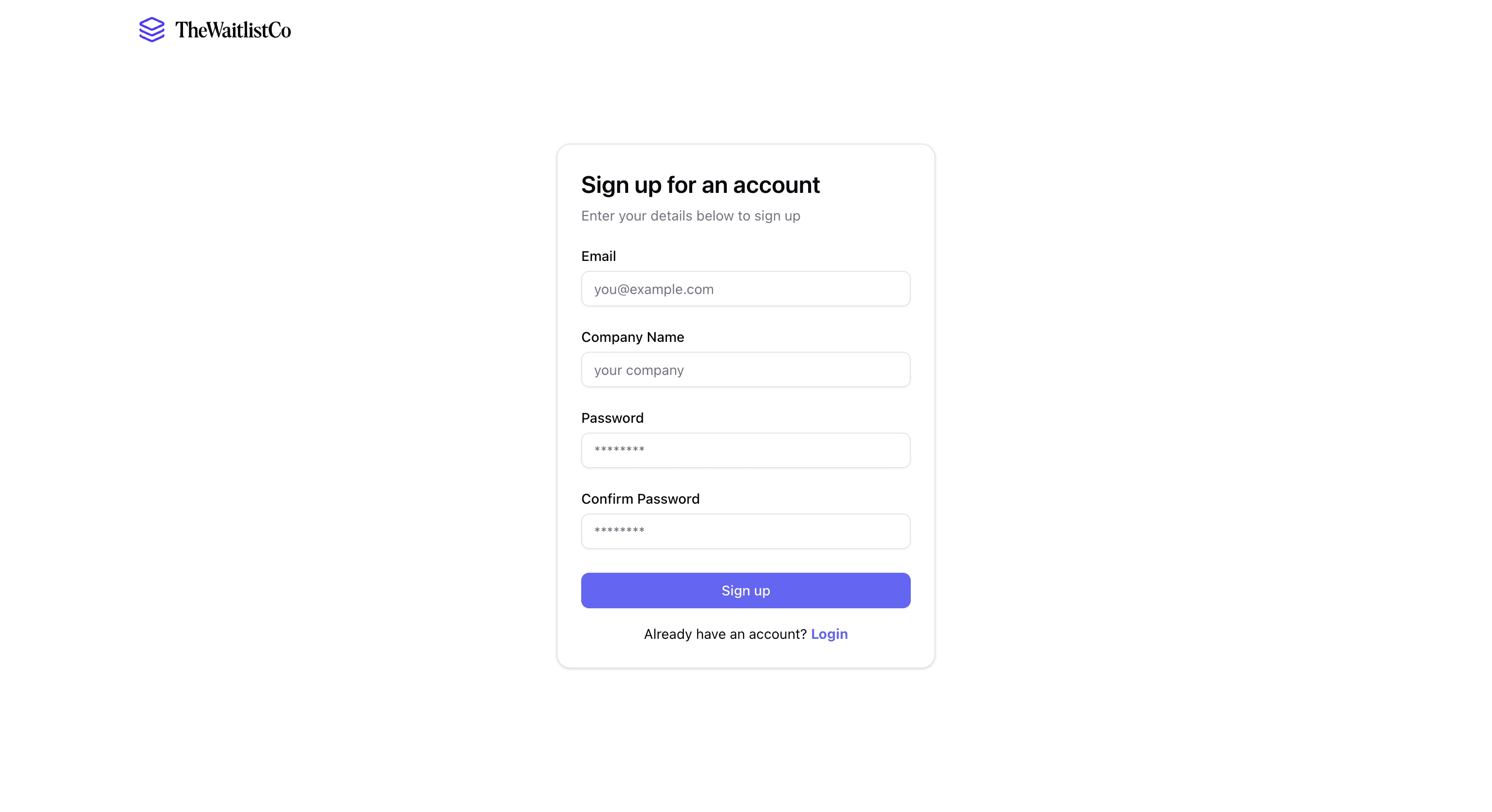
- Go to TheWaitlist.co and click Sign Up.
- Fill in:
- Email – Your login and notification email.
- Company Name – This will appear in emails and your dashboard.
- Password – Securely set your account password.
- Click Sign Up to create your account.
- After signing up, you’ll be redirected to your Dashboard.
📌 Pro Tip: Use a company email if you plan to use TheWaitlist.co for business.